
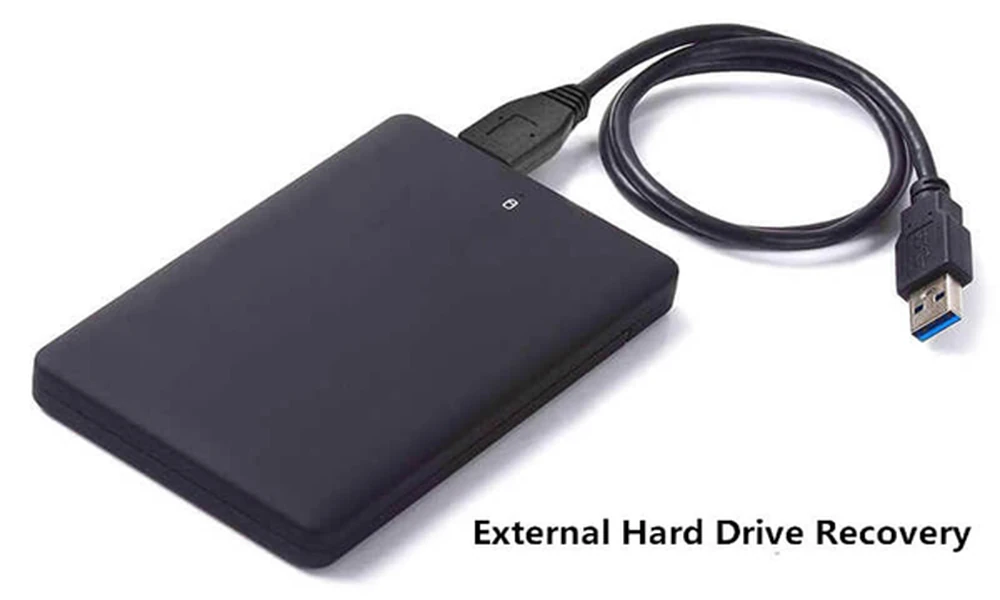
Deletion of essential files, including photos and documents, is always frustrating. In many cases, you cannot find the missing files on your device. Although their contents are present in the storage device, the OS cannot locate them. This is where you need to use hard drive recovery software. So, how does this application find files that have disappeared?
Identify the storage unit and its file system
Before starting the scanning process, the recovery application should identify the storage device. This primary step lets the tool choose the best scanning method. A PC’s storage system may contain SSDs, HDDs, or other storage devices, and each has a unique file system. It influences how files are recorded and restored.
Conduct a quick scan to find recently deleted files
A quick scan is intended to locate recoverable files by analyzing partially preserved or existing file system information. As it does not inspect every sector, it works faster.
File systems have records that help the OS locate directories. Recovery tools examine them to detect deleted entries. But the recovery results depend on the file system and the amount of metadata available.
Examine the metadata of the file system
File system metadata is one of the important aspects in recovering data because it tracks information on how files are arranged on a storage device. Metadata contains directory relationships, filenames, timestamps, and file sizes. If the metadata is intact, the innovative software will restore the file with its folder structure and original name. Damaged metadata prevents you from getting the desired results using the tool.
PandaOffice Drecov is an external hard drive recovery application that helps you restore your files. Though you have deleted the files from your HDD, the feature-rich software will recover them. But you must not overwrite the drive, as it lowers the chance of recovery.
Conclusion
HDD file recovery software locates the deleted files by inspecting the file system metadata and identifying the file signatures. To simplify the process of restoring your files, use recovery software. It takes a few clicks to recover your data from the hard drive.